Converting DPI to Print Size and the Importance of 300 DPI Resolution
When preparing images for print, understanding how DPI (dots per inch) affects the final size and quality is essential. Many businesses that produce stickers, die cut stickers, or vinyl decals often face challenges converting digital designs into physical products without losing clarity. This post explains how to convert DPI to actual print size and why 300 DPI is the standard resolution for high-quality prints.

What DPI Means and Why It Matters
DPI stands for dots per inch, a measure of how many individual dots of ink a printer places within one inch of the printed image. It directly influences the sharpness and detail of the print. The higher the DPI, the more dots per inch, resulting in a clearer and more detailed image.
For example, a 300 DPI image means the printer places 300 dots horizontally and 300 dots vertically in every inch of the print. This density ensures smooth edges and fine details, which is especially important for small, intricate designs like die cut stickers.
How to Convert DPI to Actual Print Size
To find the actual print size of an image based on its DPI, you need two pieces of information:
The image's pixel dimensions (width and height in pixels)
The DPI setting
The formula to calculate print size is:
```
Print Width (inches) = Image Width (pixels) ÷ DPI
Print Height (inches) = Image Height (pixels) ÷ DPI
```
Example Calculation
Suppose you have a digital image that is 1800 pixels wide and 1200 pixels tall. If you want to print it at 300 DPI, the print size will be:
Width: 1800 ÷ 300 = 6 inches
Height: 1200 ÷ 300 = 4 inches
This means your printed image will be 6 by 4 inches at 300 DPI.
If you print the same image at 150 DPI, the size doubles to 12 by 8 inches, but the print quality will drop because the dots are spread out more, causing pixelation or blurriness.
Why Use 300 DPI for Print Resolution
300 DPI is widely accepted as the standard for high-quality printing. Here’s why:
Sharpness and Detail: At 300 DPI, the human eye cannot easily distinguish individual dots from a normal viewing distance, resulting in smooth lines and crisp details.
Professional Appearance: Products like stickers and vinyl decals require clean edges and vibrant colors. Lower DPI can cause jagged edges or blurry text, which looks unprofessional.
Compatibility with Printing Equipment: Most commercial printers and services expect files at 300 DPI to ensure consistent output quality.
Optimal File Size: Higher DPI increases file size, which can slow down processing and printing. 300 DPI balances quality and file manageability.
Using 300 DPI is especially important when designing in software like Adobe Illustrator, where vector graphics can scale without losing quality, but raster images embedded in the design need proper resolution to print well.
Tips for Preparing Images for Print
Check Image Resolution Early: Before finalizing your design, verify the pixel dimensions and DPI to avoid surprises during printing.
Use Vector Graphics When Possible: For logos or text on die cut stickers, vector files from Adobe Illustrator maintain sharpness at any size.
Avoid Upscaling Low-Resolution Images: Enlarging a 72 DPI image to print size reduces quality. Instead, start with high-resolution images or recreate designs in vector format.
Communicate with Your Printer: Confirm the required DPI and file format to match their specifications.
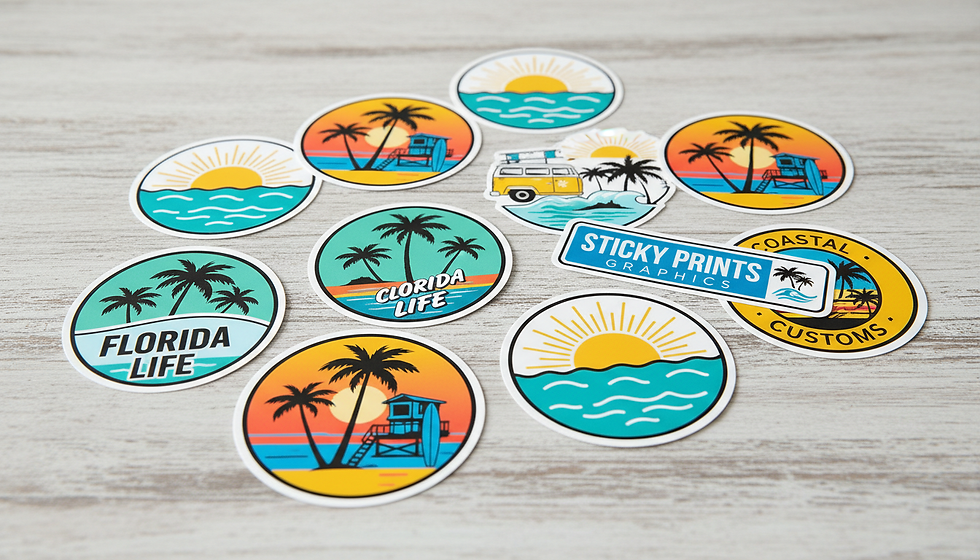
Practical Example for Businesses Producing Stickers and Decals
Imagine a business creating custom vinyl decals for clients. They receive a logo file that is 900 pixels wide by 600 pixels tall. The client wants a decal that is 6 inches wide.
To maintain 300 DPI, the image should be at least 6 inches × 300 DPI = 1800 pixels wide.
Since the file is only 900 pixels wide, printing at 6 inches would result in 150 DPI (900 ÷ 6).
This resolution is too low for sharp printing, so the business should request a higher-resolution file or recreate the logo in Adobe Illustrator as a vector.
This approach ensures the final stickers or vinyl decals look professional and meet customer expectations.


Comments